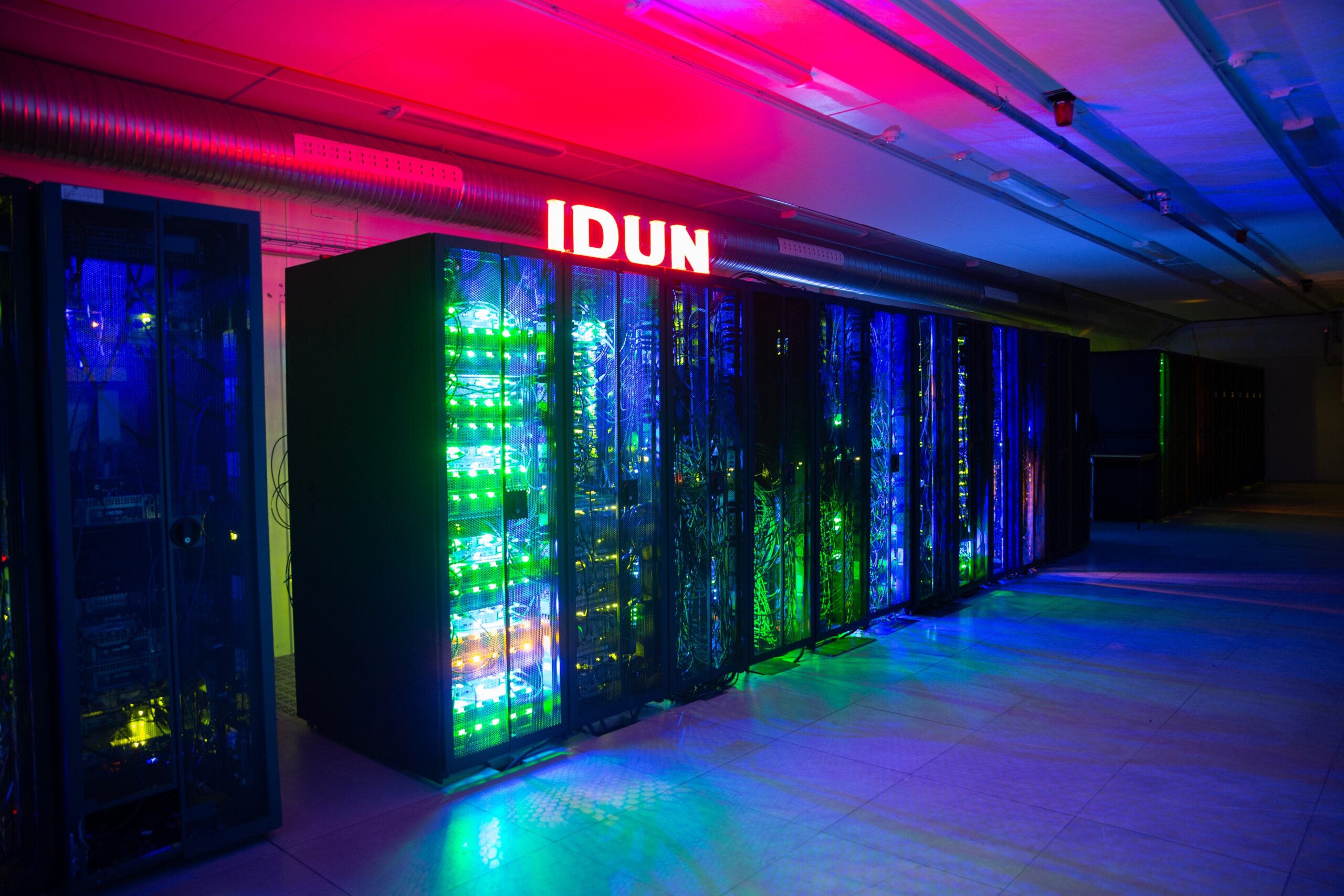
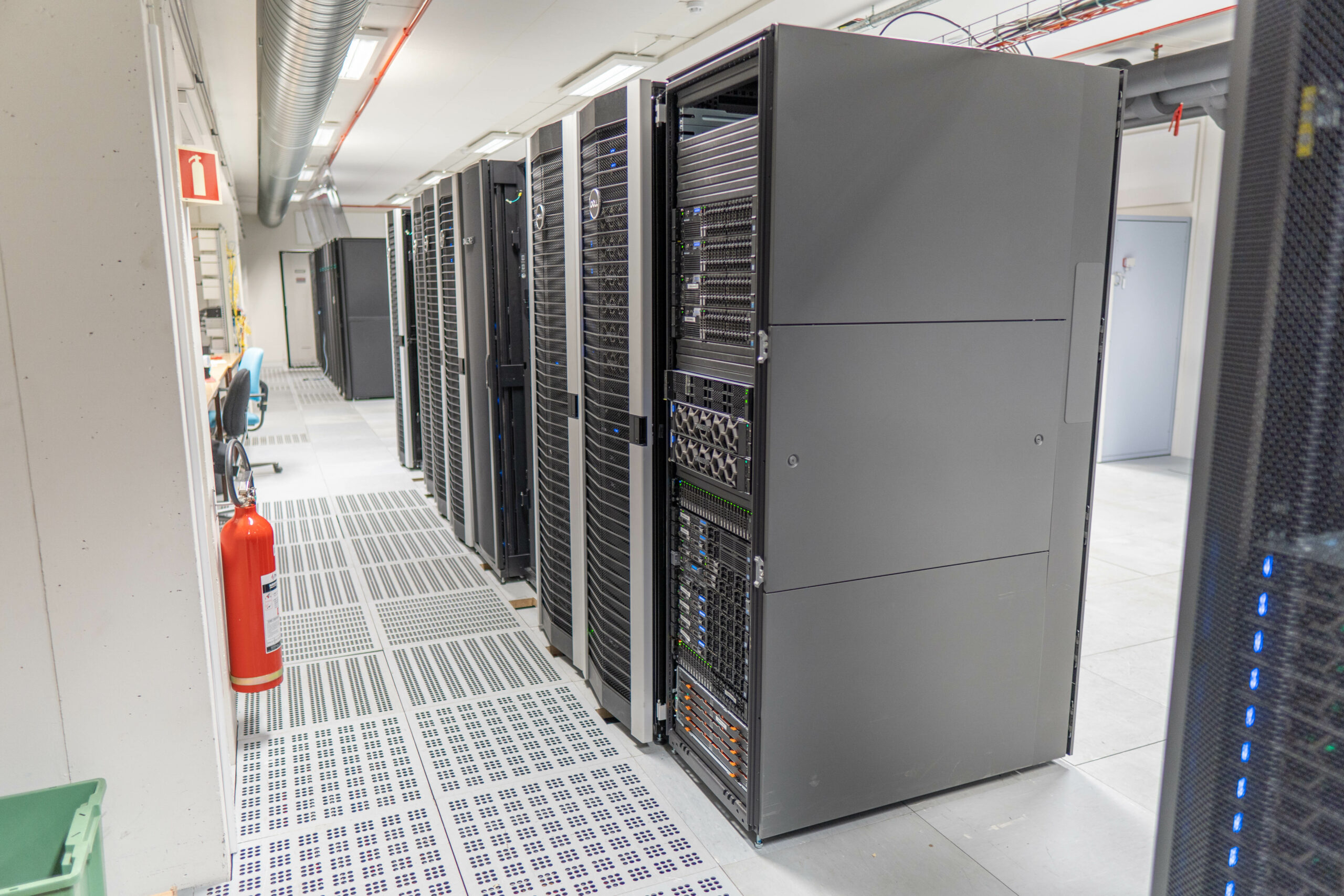
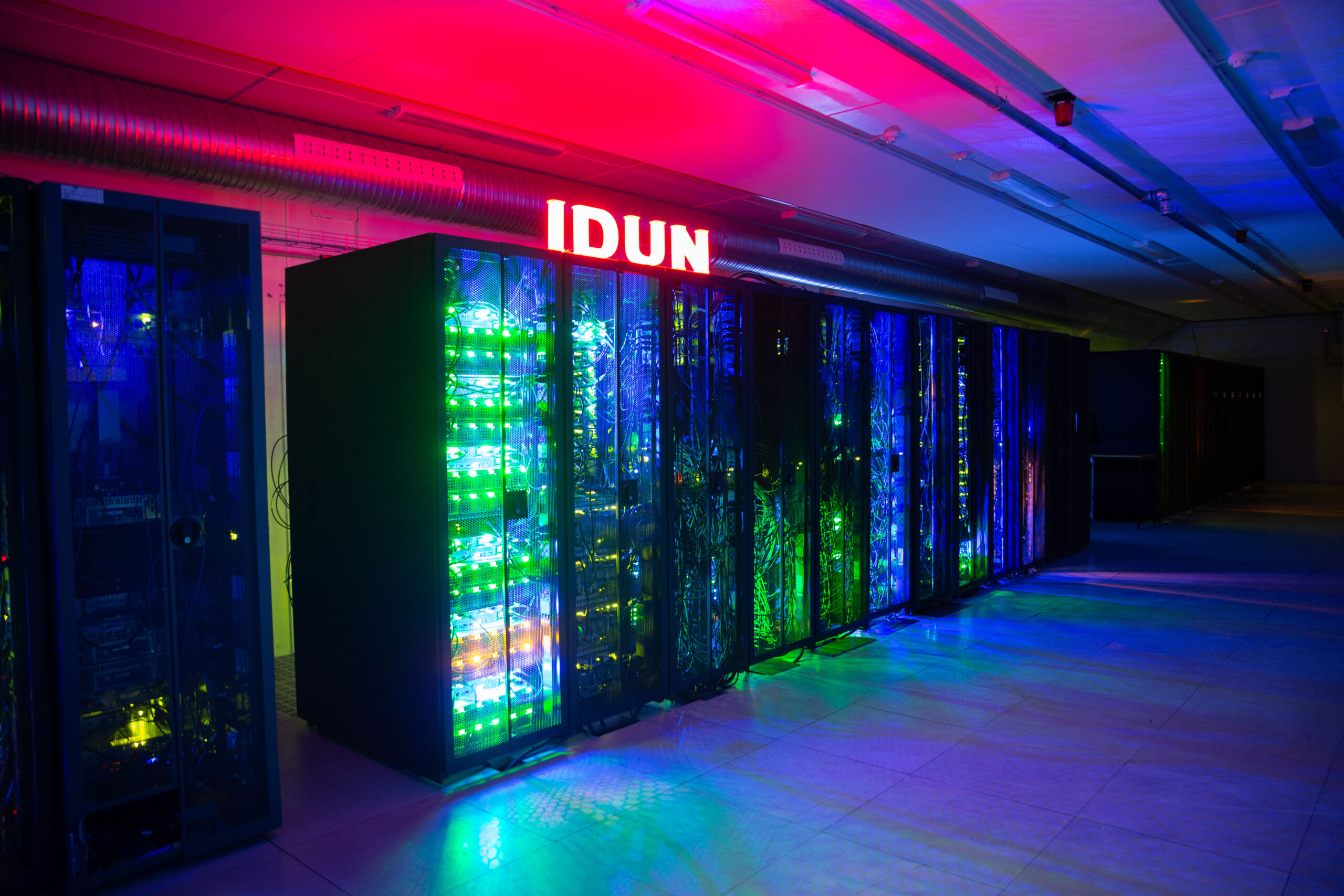
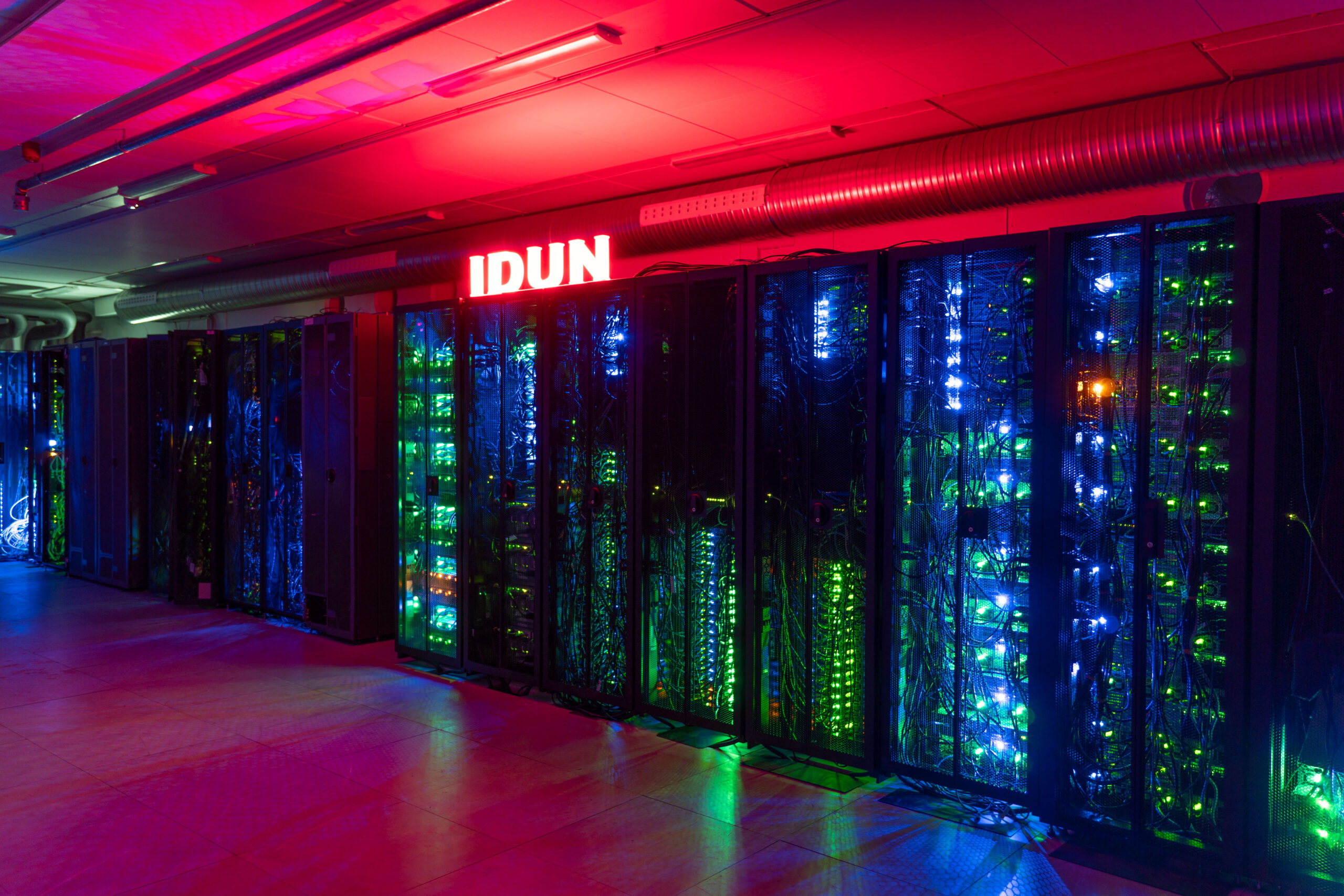
The IDUN HPC cluster is a project between NTNU's faculties and the IT division that aims at providing a High-performance computing for NTNU.
support email: help@hpc.ntnu.no
Operatørgruppe: IT Utvikling Forskningsstøtte
Documentation: https://www.hpc.ntnu.no/idun/documentation/
IDUN status page: http://idun.hpc.ntnu.no(only from NTNU network/VPN)
It is an effort to combine the compute resources of individual shareholders to create a cluster for rapid testing and prototyping of HPC software. While the IT division provides the backbone of the cluster, such as switches for high-speed interconnection, storage, and provisioning servers, the individual faculties/departments provide the compute resources. Any faculty or department can become a shareholder in the cluster by financing compute capacity, leveraging their share of compute time as well as the compute time of other idling resources. Accounting guarantees each partner's share of compute time and ensures fairness between the users on the system.
Become a shareholder and partner in IDUN
We get a lot of questions regarding the cost of using IDUN, or how to become a shareholder.
IDUN is a shareholder machine. This means that all users with an account on IDUN are affiliated with a faculty, department or research group with a support agreement with NTNU IT. If your affiliation does not have a support agreement with NTNU IT, you are not entitled to use IDUN. We make exceptions for special cases or if you want to try Idun out before becoming a shareholder
To become a shareholder you have to invest in two components: Some piece of hardware, in essence single computenodes, and a support agreement with NTNU IT.
How to get access to Idun
- Ask your supervisor to approve access to the cluster resources.
- If you are PhD or student, ask your supervisor to send an email to your contact person (see below) with subject "User on Idun", and provide the following information:
- The users username(s)
- Supervisor's name
- A (very) short description of your work or project
- (Researchers, professors and supervisors sending their the own request)
- Read the documentation to get started.
Contact Persons:
| Shareholder | Contact Person |
|---|---|
| Department of Energy and Process Engineering (IV-EPT) | Eugen Uthaug |
| Department of Industrial Economics and Technology Management (ØK-IOT) | Pedro Crespo del Granado |
| Department of Geoscience and Petroleum (IV-IGV) | Erlend Våtevik |
| Department of Electric Power Engineering (IE-IEL) | Anders Gytri |
| Department of Mechanical and Industrial Engineering (IV-MTP) | Astrid de Wijn |
| Department of Computer Science (IE-IDI) | Teknisk gruppe, IDI |
| Department of Engineering Cybernetics (IE-ITK) | Teknisk grupp |
| Department of Mathematical Sciences (IE-IMF) | Teknisk gruppe IMF |
| Department of Material Science and Engineering (NV-IMA) | Sondre Kvalvåg Schnell |
| Department of Chemical Engineering (NV-IKP) | Jannike Solsvik |
| Department of Physics (NV-IFY) | Bogdan Voaidas |
| Department of Physics (NV-IFY) - TEM group | Antonius T. J. van Helvoort |
| Kavli Institute of System Neuroscience (MH-KIN) | Haagen Waade |
| Department of Biology (NV-IBI) | Henrik Jensen |
| Department of Biotechnology and Food Science (NV-IBT) | Daniel Machado |
| Department of Marine Technology (IV-IMT) | Bjørn Tore Bach |
| Other | IT Division - HPC Group |
Acknowledgment
We would appreciate if the use of IDUN is acknowledged in any manuscript (thesis, technical report, article, etc.) that has benefited from the computational time on the cluster. This helps us to promote its use and scientific outcome of NTNU's investments in the IDUN cluster and encourage further investments.
We have written a technical report that describes the cluster, which can be referenced in your scientific work:
@misc{sjalander+:2019epic,
  title = {{EPIC}: An Energy-Efficient, High-Performance {GPGPU} Computing Research Infrastructure},
  author = {Magnus Sj\"alander and Magnus Jahre and Gunnar Tufte and Nico Reissmann},
  year = 2019,
  eprint = {1912.05848},
  archivePrefix ={arXiv},
  primaryClass = {cs.DC}
}
We would also like to learn about your manuscript(s) (already existing as well as future articles once they are published) such that we can include and reference them in the report. Please send an email with the details to Magnus Själander.
Training
Local NTNU-IT courses: Introduction to parallel programming (NTNU-IT)
Sigma2 (National HPC computers and storing): Training | Sigma2
PRACE (EU): Training - PRACE (prace-ri.eu)
Hardware (updated 2026-01-29)
We are adding new hardware often. So this page is becoming outdated.
- Total compute nodes: 191
- Total CPU cores: 8948
- Storage size: 1.8 PB
- GPUs: 252
- NVIDIA P100: 28
- NVIDIA V100: 40
- NVIDIA A100: 104
- NVIDIA H100: 56
- NVIDIA H200: 16
- NVIDIA B300: 8
- Compute nodes in CPUQ partition: 108
- CPU cores in CPUQ partition: 6388
Compute nodes
| Node | Amount | Type | #CPUs | Processor | #Cores | RAM[GB] | #GPUs | GPU type |
| idun-01-[01-06] | 6 | Dell XE9680 | 2 | Intel Xeon Platinum 8470 | 52 | 2014 | 8 | NVIDIA H100 80GB HBM3 |
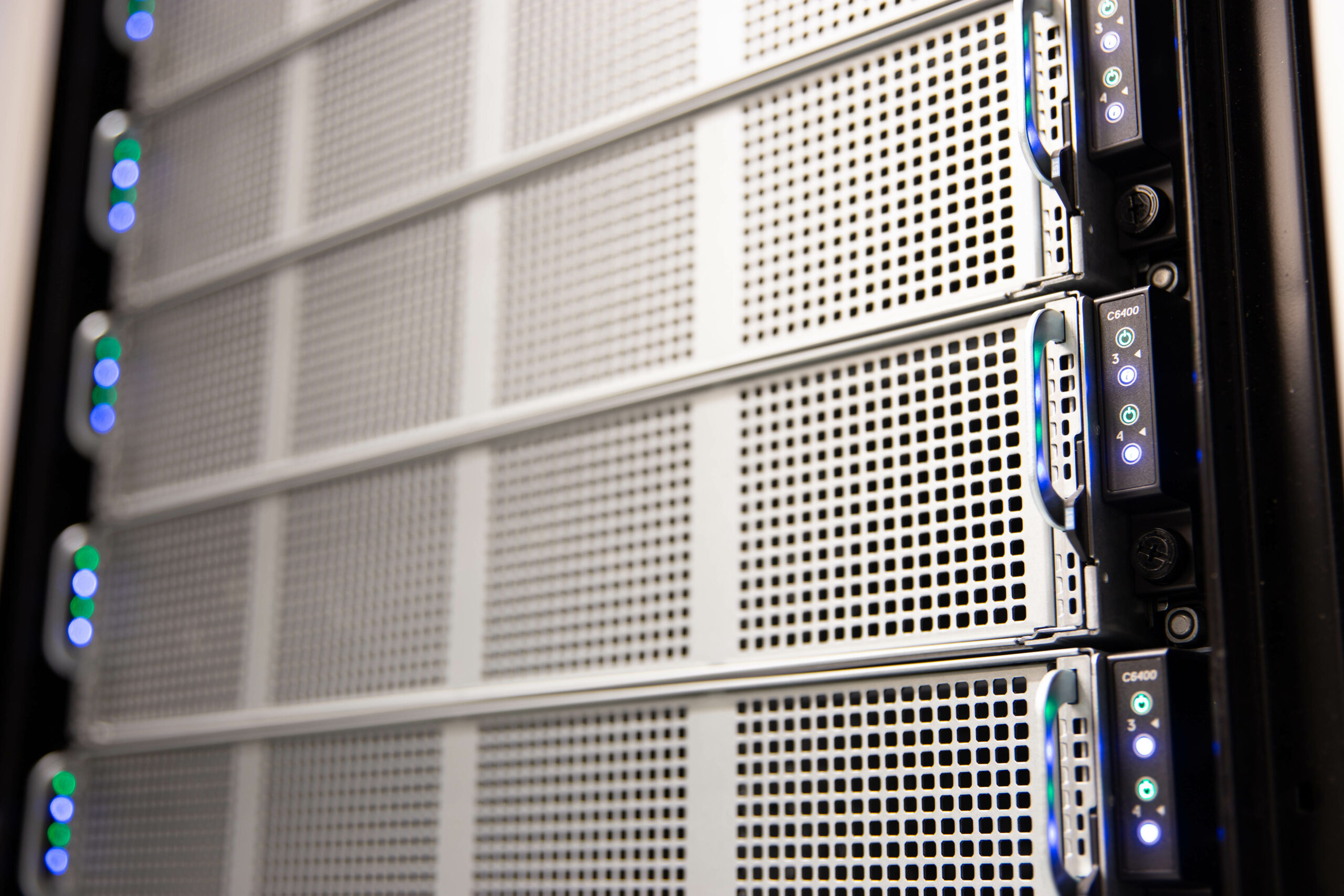
| idun-03-[01-48] | 48 | Dell C6520 | 2 | Intel Xeon Gold 6348 | 56 | 256 | ||
| idun-04-[01-36] | 36 | Dell C6520 | 2 | Intel Xeon Gold 6348 | 56 | 256 | ||
| idun-05-[01-12] | 12 | Dell C6420 | 2 | Intel Xeon Gold 6132 | 32 | 768 | ||
| idun-05-[13-20] | 8 | Dell C6420 | 2 | Intel Xeon Gold 6242 | 32 | 192 | ||
| idun-05-[21-22] | 2 | Dell C6420 | 2 | Intel Xeon Gold 6242 | 32 | 768 | ||
| idun-05-[23-32] | 10 | Dell C6420 | 2 | Intel Xeon Gold 6252 | 48 | 192 | ||
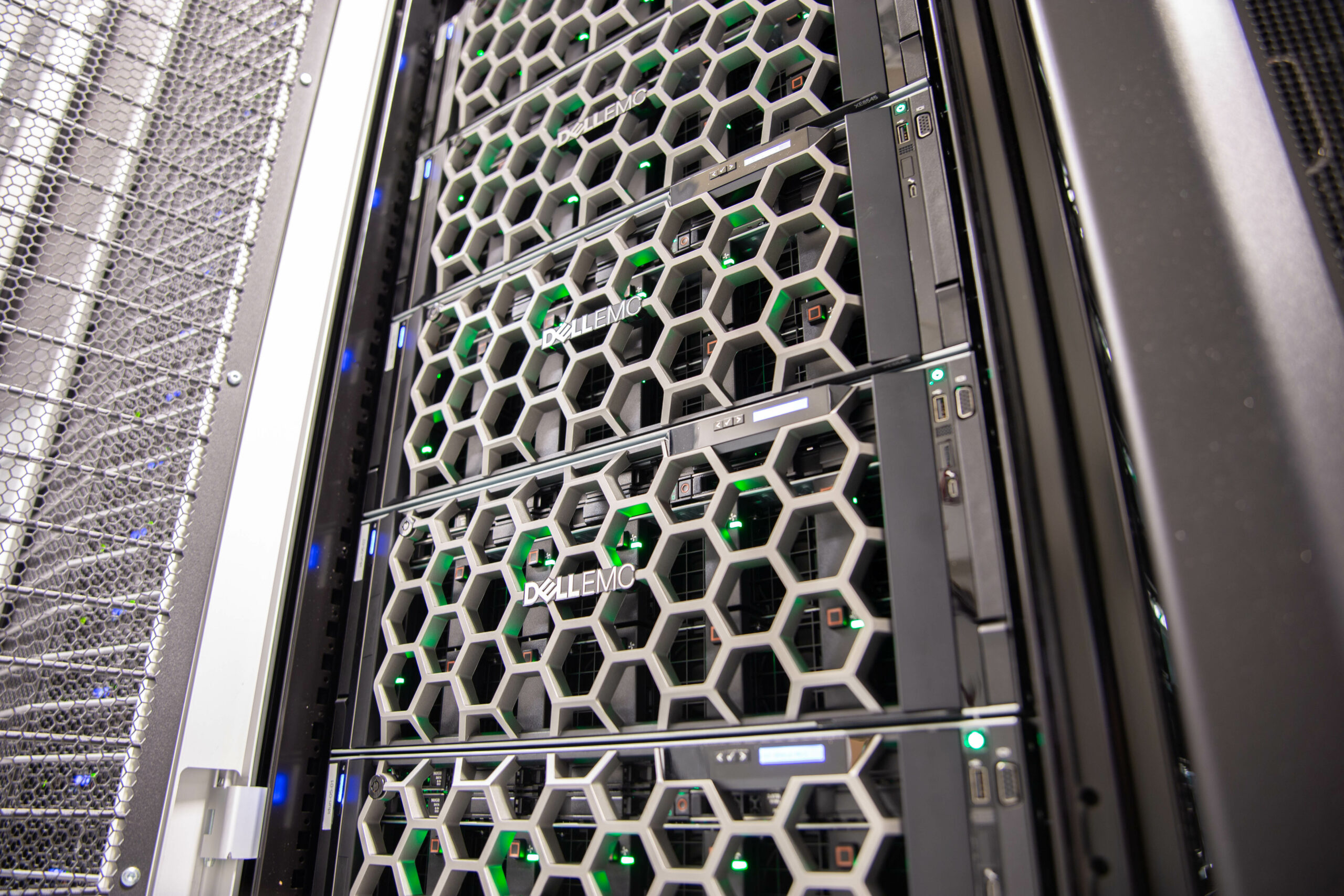
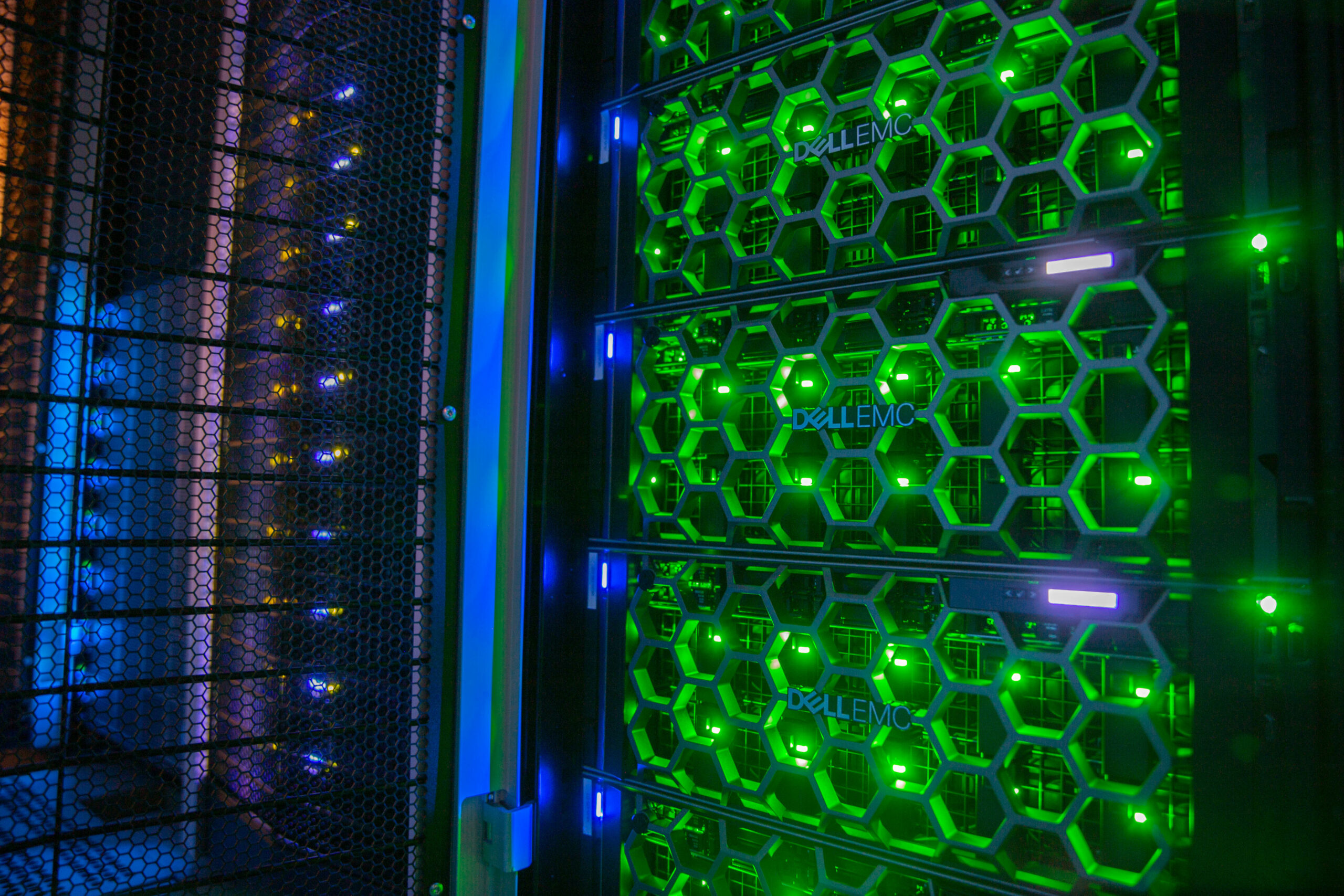
| idun-06-[01-06] | 6 | Dell XE8545 | 2 | AMD EPYC 75F3 | 64 | 1007 | 4 | NVIDIA A100 80GB |
| idun-06-07 | 1 | Dell XE8545 | 2 | AMD EPYC 7543 | 64 | 2015 | 4 | NVIDIA A100 80GB |
| idun-06-[08-12] | 5 | Dell R740 | 2 | Intel Xeon Gold 6132 | 28 | 754 | 2 | NVIDIA V100 16GB |
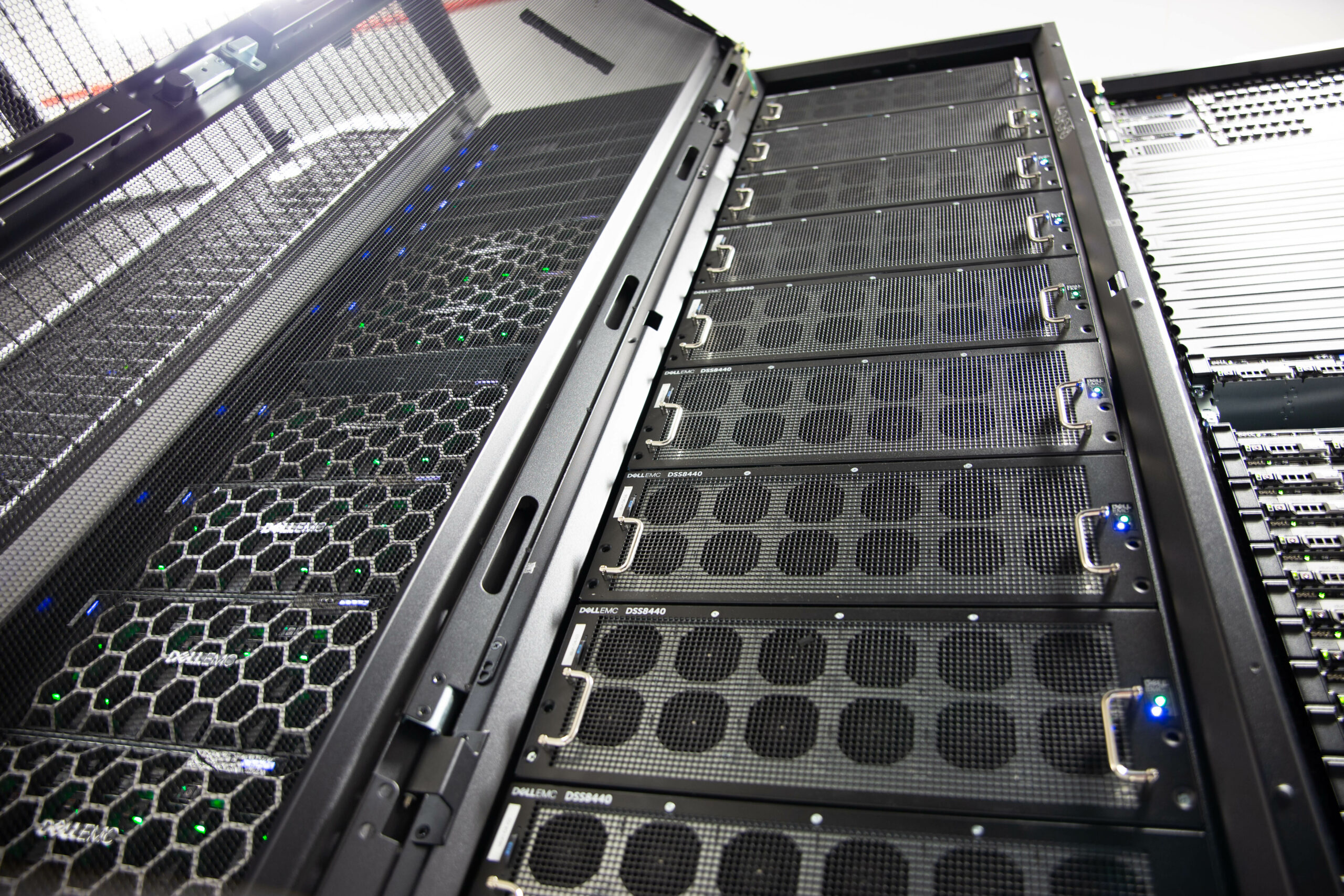
| idun-07-[01-03] | 3 | Dell DSS8440 | 2 | Intel Xeon Gold 6148 | 40 | 754 | 8 | V100 32GB |
| idun-07-[04-07] | 4 | Dell DSS8440 | 2 | Intel Xeon Gold 6248R | 48 | 1509 | 10 | NVIDIA A100 40GB |
| idun-07-[08-10] | 3 | Dell DSS8440 | 2 | Intel Xeon Gold 6248R | 48 | 1509 | 10 | NVIDIA A100 80GB |
| idun-08-01 | 1 | Dell XE9680 | 2 | Intel Xeon Platinum 8470 | 52 | 2014 | 8 | NVIDIA H100 80GB HBM3 |
| idun-08-[02-03] | 2 | Dell XE9680 | 2 | Intel Xeon Platinum 8580 | 60 | 2014 | 8 | NVIDA H200 141GB |
| idun-09-[01-11,20] | 12 | Dell R730 | 2 | Intel Xeon E5-2650 v4 | 24 | 128 | 2 | NVIDIA P100 16GB |
| idun-09-[12-14] | 3 | Dell R730 | 2 | Intel Xeon E5-2650 v4 | 24 | 128 | 2 | NVIDIA V100 16GB |
| idun-09-[15-18] | 4 | Dell R730 | 2 | Intel Xeon E5-2695 v4 | 36 | 128 | 2 | NVIDIA A100 40GB |
| idun-09-19 | 1 | Dell R730 | 2 | Intel Xeon E5-2695 v4 | 36 | 128 | 2 | NVIDIA P100 16GB |
| idun-10-[01-19] | 19 | Dell R630 | 2 | Intel Xeon E5-2630 v4 | 20 | 128 | ||
| idun-10-[21-22] | 2 | Dell R740 | 2 | Gold 6226 CPU @ 2.70GHz | 24 | 376 | 2 | FPGA (Xilinx) |
Login nodes
| Node | Type | #CPUs | Processor | #Cores | RAM[GB] | #GPUs | GPU type |
| idun-login1 | Dell PE730 | 2 | Intel Xeon E5-2650 v4 | 24 | 128 | 2 | NVIDIA Tesla P100 |
| idun-login2 | Dell PE730 | 2 | Intel Xeon E5-2650 v4 | 24 | 128 | 2 | NVIDIA Tesla P100 |
Admin nodes
- 1 admin node/provisioning node: Dell PE620
- 2 samba servers idun-samba1.hpc.ntnu.no and idun-samba2.hpc.ntnu.no
Network
- 3 Mellanox passive FDR switches for interconnect/storage on general part of cluster
- 2 Mellanox passive EDR switches for interconnect/storage on GPU part of cluster
- 3 Mellanox passive HDR switch for interconnect/storage on GPU part of cluster
- 6 Gigabit ethernet switches for provisioning and admin network
Media

IDUN logo
Font: Georgia
Color: Lava red - Hex #E42217